Keep your identity provider
Connect a SAML 2.0 IdP using permanent Service Provider values, with documented setup paths for Microsoft Entra and Google Workspace.
07 / Secure
Connect a SAML 2.0 identity provider through KEENLITY ID, verify company domains, and enforce the corporate sign-in path without buying a separate SSO add-on.
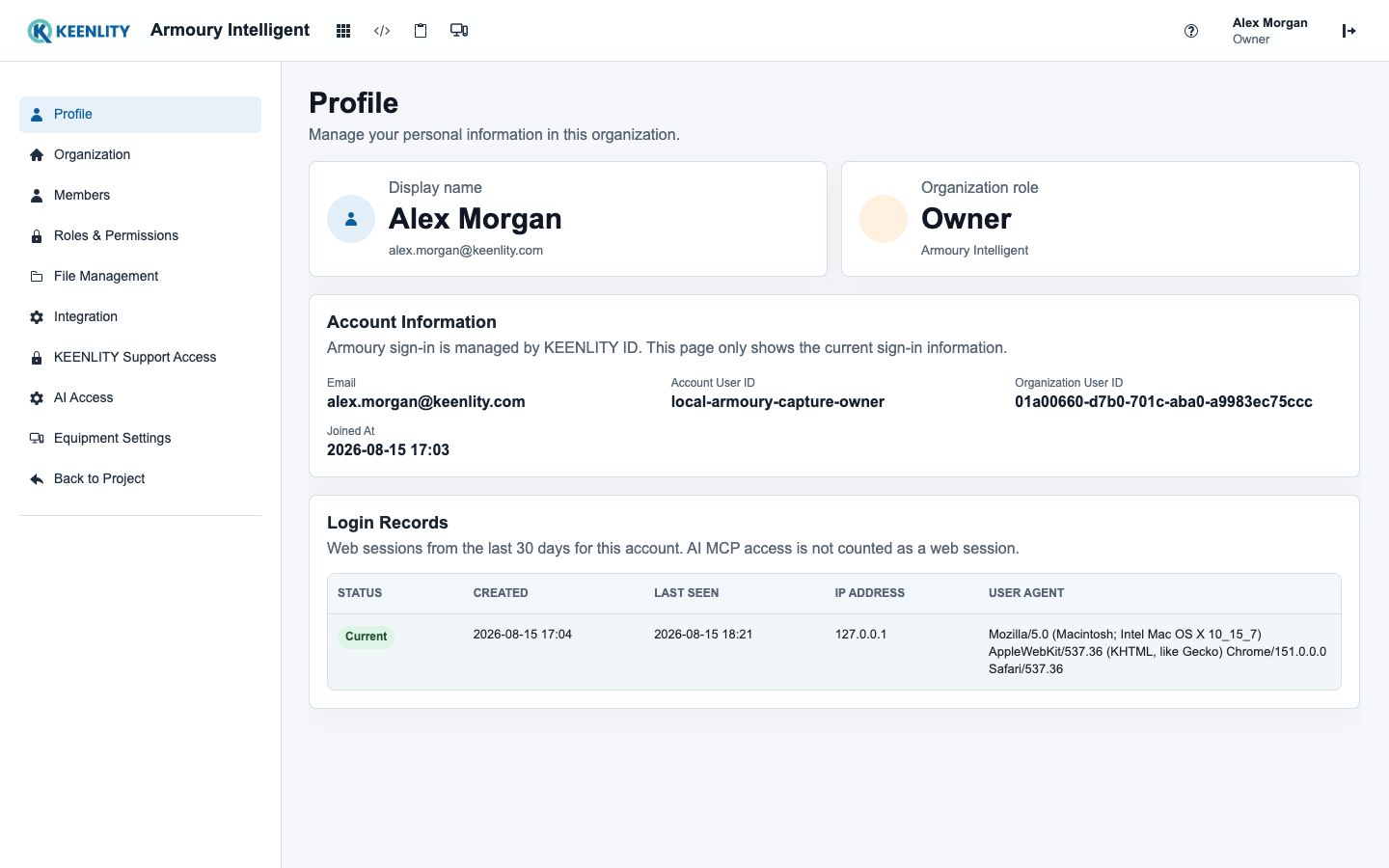
Secure company sign-in is a baseline control, not a premium feature to unlock later.
Enterprise identity as a baseline
Keep authentication with the organization's SAML identity provider while KEENLITY ID handles verified domains, controlled enforcement, and lifecycle administration.
Connect a SAML 2.0 IdP using permanent Service Provider values, with documented setup paths for Microsoft Entra and Google Workspace.
Verify the domain through DNS, configure the IdP and signing certificates, test the current revision, and preview the exact accounts affected.
Accounts on an enforced domain use the SAML-only policy before they can create KEENLITY sessions or OAuth credentials.
Identity Owner and Admin roles, audit events, account suspension and restoration, binding reset, recovery, and overlapping certificates support ongoing administration.
Controlled SAML activation
Domain ownership and the current IdP revision are proven before an Identity Owner confirms which accounts must use the corporate sign-in path.
Verify each exact corporate domain and configure the IdP with the permanent KEENLITY ID Service Provider values.
Validate a signed SAML response against the current certificate revision and preview the accounts the policy will claim.
An Identity Owner confirms SAML-only enforcement, then manages people, certificate rotation, audit history, suspension, and recovery.
Secure access without an SSO tax
Your enterprise IdP remains the authentication authority while KEENLITY ID maintains a stable identity for Armoury, with centralized sign-in and lifecycle controls that do not require a separate SSO purchase.
Review plans and evaluation