
Draft cases from a requirement
Give AI the requirement and ask for the main flows, error conditions, steps, and expected results. Once you have reviewed the drafts, ask it to create the cases in bulk to save entering each one by hand.
01 / Connect
Connect ChatGPT or Claude and let AI use the product specifications you provide to create key test cases directly in Armoury Intelligent. Ask it to prepare Test Runs, set up API checks, and review execution results, too.
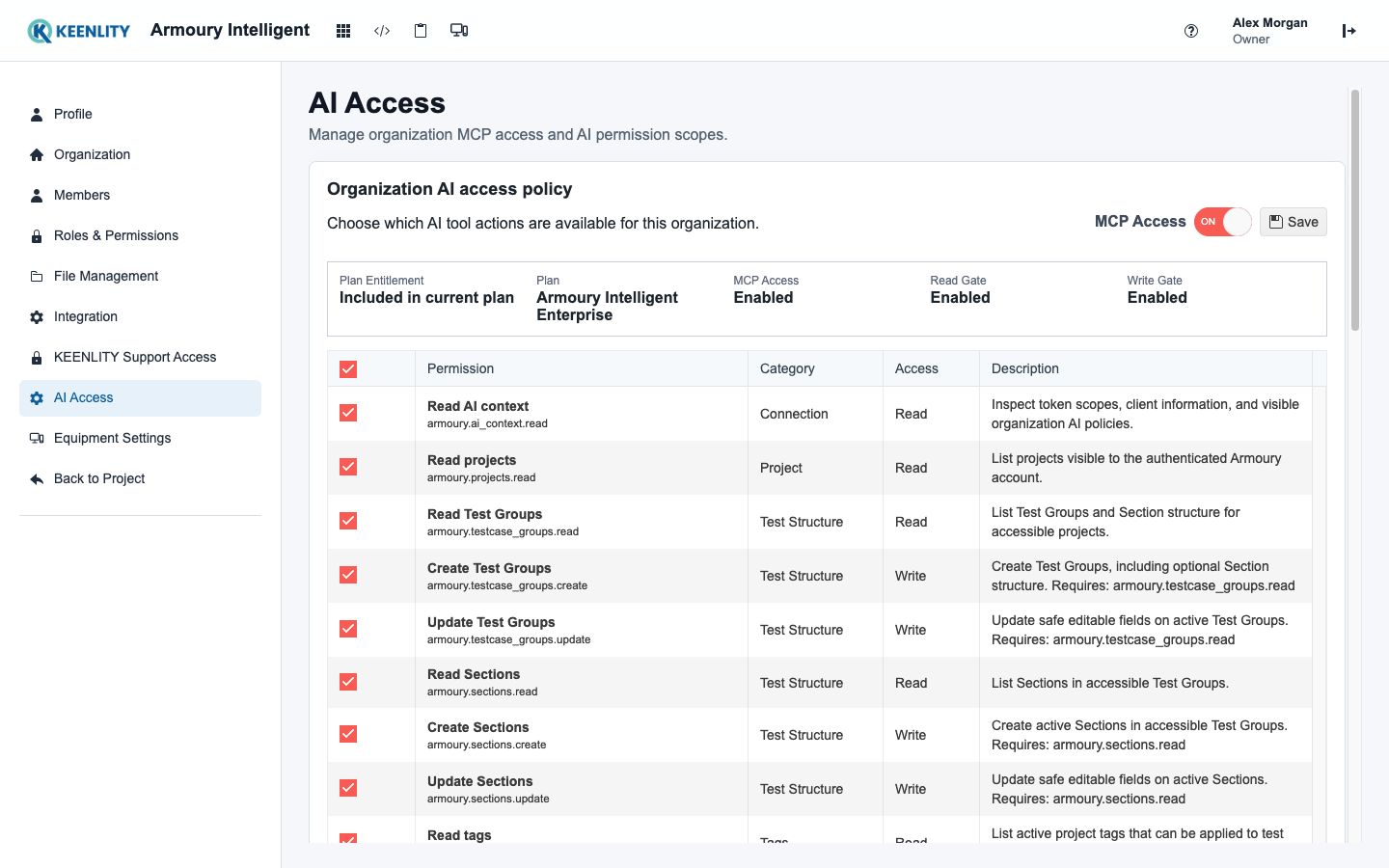
MCP connects your AI tool to Armoury, giving it access to your test data so it can help you manage testing more intelligently.
What you can ask AI to do
Let AI use your product specifications and test cases to draft key scenarios, steps, and expected results for you to review.
Give AI the requirement and ask for the main flows, error conditions, steps, and expected results. Once you have reviewed the drafts, ask it to create the cases in bulk to save entering each one by hand.
Ask AI to find the affected cases and update their preconditions, steps, and expected results. It can also maintain project templates that hold content shared by multiple cases.
Describe what you need to test. AI can find relevant cases, create a Test Run, and add the cases to it. Open Armoury to start testing and recording your results.
Provide the API specification or request details and ask AI to configure requests and response checks. After execution, it can read status codes, responses, and check results to help investigate failures.
Prompts to try
These example prompts walk through one task. Once connected, replace the organization, project, and requirement with your own, then try them in order.
“List the cases in the Accounts Test Group in my Website project, and summarize which features they cover.”
“We need to test password resets. A reset link expires after 30 minutes and can only be used once. Follow our existing case format and draft the steps and expected results for me to review.”
“Save the drafts I approved in the Accounts Test Group. Create a Password Reset Test Run and add the new cases to it.”
AI MCP is included in Free
Start on the one-person Free plan. Sign up, enable the MCP functions you need in Armoury, and connect your AI tool. Try drafting and saving your first test cases.
Sign up freeYour organization administrator chooses the functions AI can use. Your project permissions still apply, and tool activity is recorded. Use a ChatGPT or Claude account that supports custom MCP connections; availability depends on your AI tool's plan and settings.
How to connect ChatGPT or Claude