
Report only what matters
Add concise progress, blocker, risk, question, decision, note, support, or absence items for the organization or an accessible Project.
04 / Align
Capture progress, blockers, risks, questions, and decisions against the right organization or Project, then give managers one queue for review.
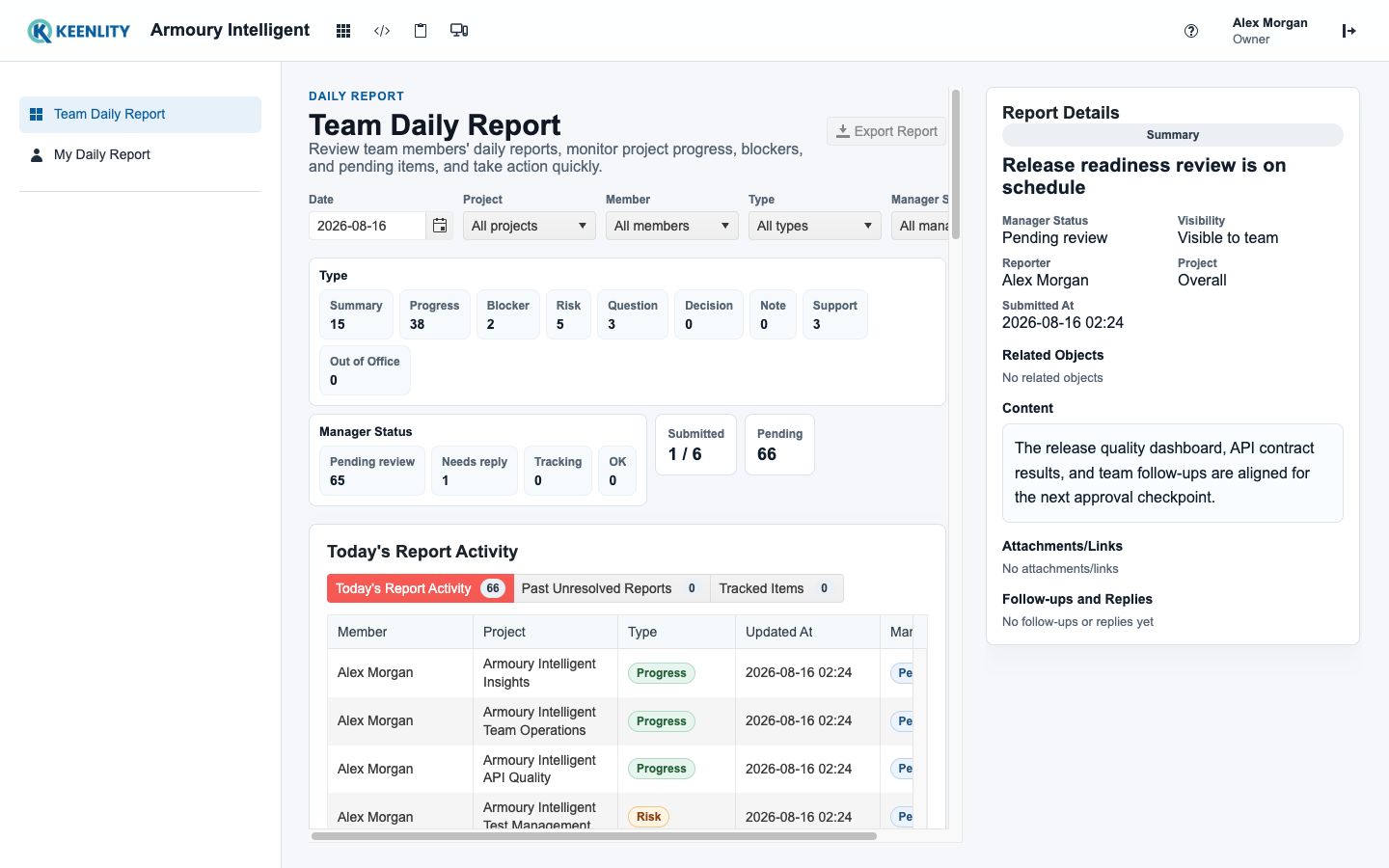
The update, its context, its visibility, and the next management action stay together.
Signals that reach a decision
Capture only the progress, blocker, risk, question, or decision that needs attention, then keep its scope and follow-up state visible.
Add concise progress, blocker, risk, question, decision, note, support, or absence items for the organization or an accessible Project.
Link Test Runs and Test Cases and attach external references or files instead of reconstructing the context in chat.
Review today's activity, unresolved items, and tracked work, then mark it OK, request a reply, or keep it under review.
Choose Team, Supervisor, or Supervisor Chain visibility while Armoury respects reporting lines and Project access.
A shorter status loop
Members report meaningful change in context; managers review the same item until it is answered, tracked, or resolved.
Add one or more useful items against the organization or the Project they concern.
Send the report when the meaningful updates are ready; not every Project needs an item every day.
Managers move submitted work through Pending, Needs Reply, Tracking, and OK states.
Follow-up without reconstruction
Blockers, decisions, and follow-up become visible without forcing the QA team into another disconnected project-management workflow.
Review plans and evaluation